






The morning queue that already
knows who to chase.
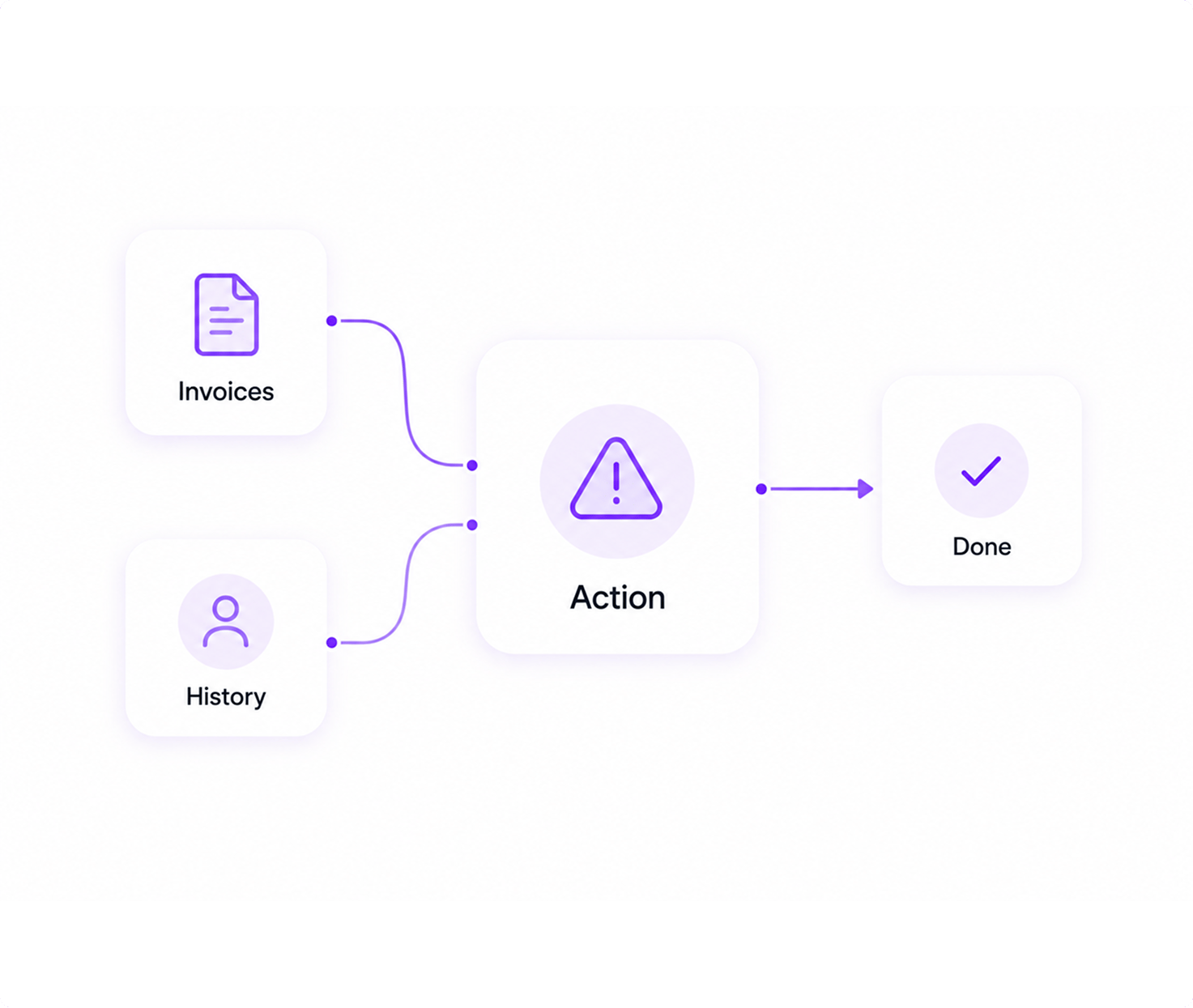
Open Inzo. Today's overdue invoices are sorted by phase, by amount, by how reliably the customer usually pays. Each row carries an AI escalation card built from that customer's payment history — send a reminder, offer a plan, or escalate to legal, in one click.
Today's Queue
INV-2284 · Acme Corp · $42K
60+ days overdue · AI: escalate to legal
INV-2291 · Northwind · $19K
45 days · phase 2 reminder due today
INV-2305 · Globex · $12K
First time late · AI: offer payment plan
INV-2317 · Initech · $8K
15 days · gentle nudge before late fee
The receivables age in a spreadsheet.
Your customers know it.
Reminders go out on vibes, not schedule
Phase 1 reminder on day 7. Phase 2 on day 14. Phase 3 on day 30. Everyone knows the schedule. Nobody actually runs it. The customer pays the vendor with the loudest follow-up, not the one who invoiced first.
You don't know which customers pay late
Two customers are 20 days overdue. One always pays on day 45. The other has never paid past 25. You're treating them the same. AI reliability scoring would tell you which to call first.
Escalation is guesswork
When do you send to legal? When do you offer a payment plan? When do you write it off? Without history and context, every overdue invoice is a fresh judgement call made on a Monday morning.
 Inzo runs the playbook. Phase reminders, AI escalation, per-customer reliability scoring.
Three things that turn chasing into
a system, not a hustle.

Phase-based reminders on auto
Configure reminder phases per customer or per payment-terms group. Inzo fires the right reminder on the right day, every time. Customisable subject lines, greetings, and bodies. CC the right people. Open tracking and view confirmation logged.
- Configurable reminder schedules per customer
- Customisable templates with CC and BCC
- Open tracking and view confirmation

AI escalation per invoice
Click any overdue invoice and see a recommendation built from that customer's payment history, reminder phase log, and contract value. "Send phase 2", "offer payment plan", "escalate to legal", "consider write-off" — always with the reasoning attached.
- Per-invoice escalation recommendation
- Built on customer history and contact log
- Credit-based, transparent cost per use

Late fees and payment plans, configurable
Late fee rules per org: fixed or percentage, daily/weekly/monthly, with grace period, total cap, and max applications. Waive or pause per invoice when the relationship calls for it. Payment plans for customers who need them, with instalment schedules and per-instalment marking.
- Late fees: fixed or percentage, with grace + cap
- Waive or pause late fees per invoice
- Payment plans with per-instalment tracking
Three plays the collections desk runs every morning.
The morning worklist that ships itself
Open Inzo. Today's overdue invoices sorted by phase, by amount, by customer reliability. Click into any row for customer history, recent comms, line items, and recommended action. Send the reminder or escalate, log the action, move on.
Numbers from real
collections desks.
I used to triage overdue invoices by which customer I happened to remember. Now I open Inzo, the list is sorted, the recommendations are there, and I work the queue. We recovered eighty thousand we would have written off last year.
— Collections Lead, Mid-Market Services
0
AI escalation features built in
0%
Faster mean time to recovery
0
Reminder phases supported
0%
Reminders sent automatically
High-volume, high-value,
or both at once.

High-Volume B2B
Thousands of invoices a month, every customer on phase-based reminders. Aging dashboard surfaces what needs attention. AI escalation handles the long tail.

High-Value Accounts
Strategic customers with long payment cycles. Per-customer reminder cadence. Payment plans on the few that need them. Reliability scoring on the whole book.

Project-Based Billing
Milestone invoices from Taro. Estimates converted on accept. Subscription invoices for retainers. All visible in one worklist regardless of source.

Solo Founder Collections
You're the collections team. Inzo handles the schedule, the reminders, the late fees, and the escalation advice. You handle the few calls that actually need a human.
What AR teams ask before they trust the tool.
Open Inzo Monday. Get paid by Friday.
See your overdue worklist, AI escalation advice, and reminder phases in a 30-minute demo.
Inzo invoices, chases, and forecasts cash so you get paid on time.
Automate the full billing cycle from invoice to reconciliation, with AI that surfaces overdue accounts and predicts your cash flow.
- 2.4x
- faster payment collection
- 99.8%
- invoice accuracy rate
- 16
- live billing reports
- 40%
- less time on billing admin