





Bring every lead in from anywhere
you have data
Bulk import leads with background processing and live progress. Connect any system to the public Lead API, with docs and webhooks.
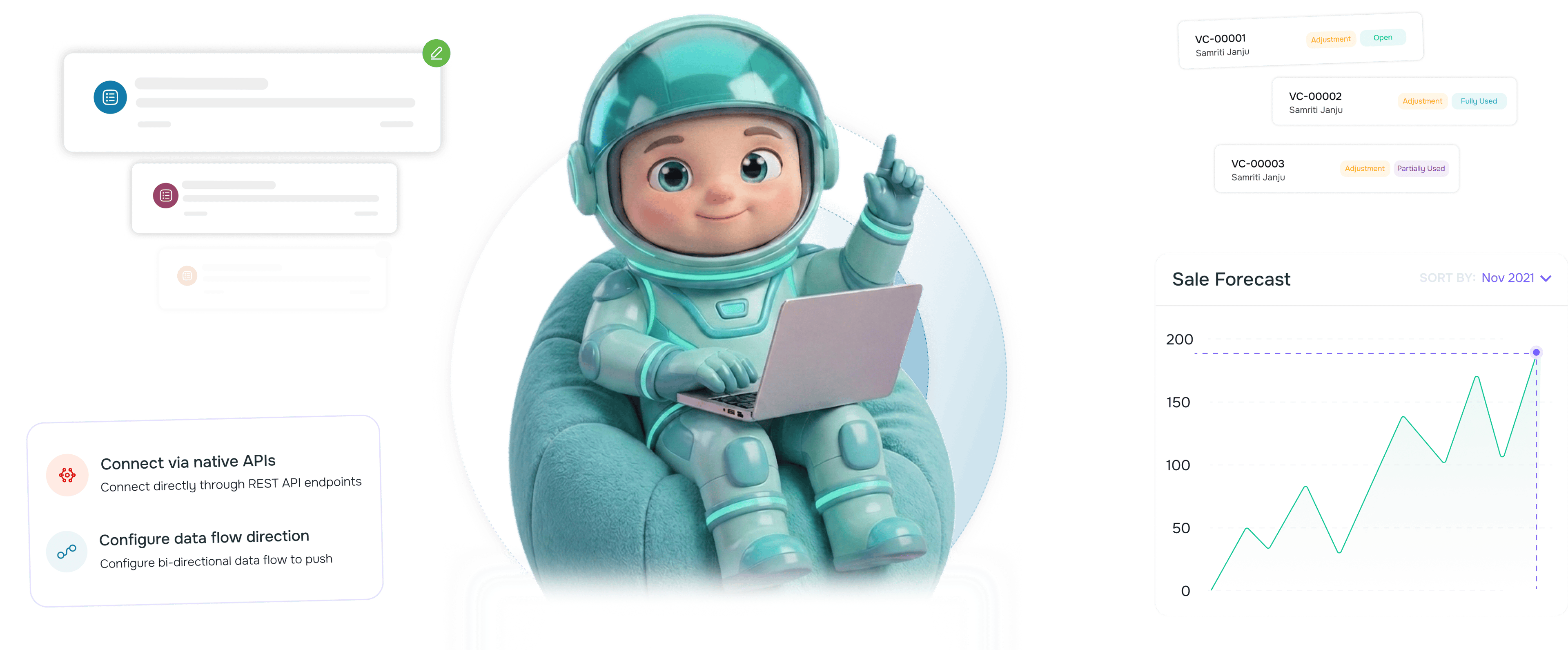
From scattered spreadsheets to a live database in 4 steps
Upload spreadsheets for historical data, connect the public API for live systems, set up webhooks for real time events.
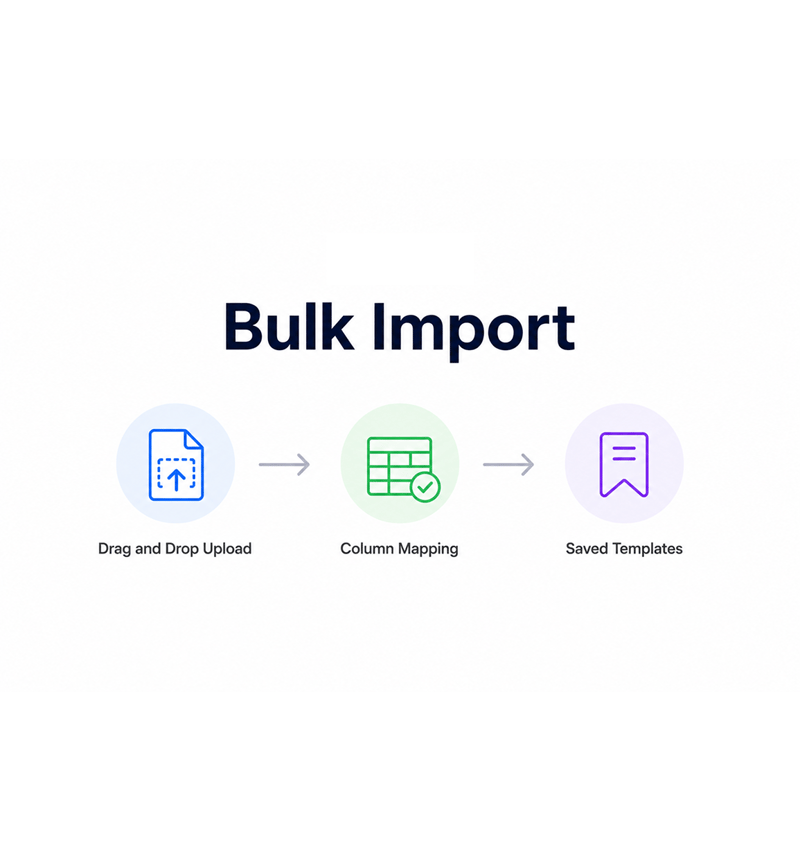
Bulk Import
Drag in a spreadsheet, map the columns, hit go
Drop a CSV into the import screen and the platform walks you through column mapping: which column is the email, the company, the source. Custom fields map the same way. Save it as a template for next time.
- Drag and Drop Upload
- Column Mapping
- Saved Templates
- Custom Fields
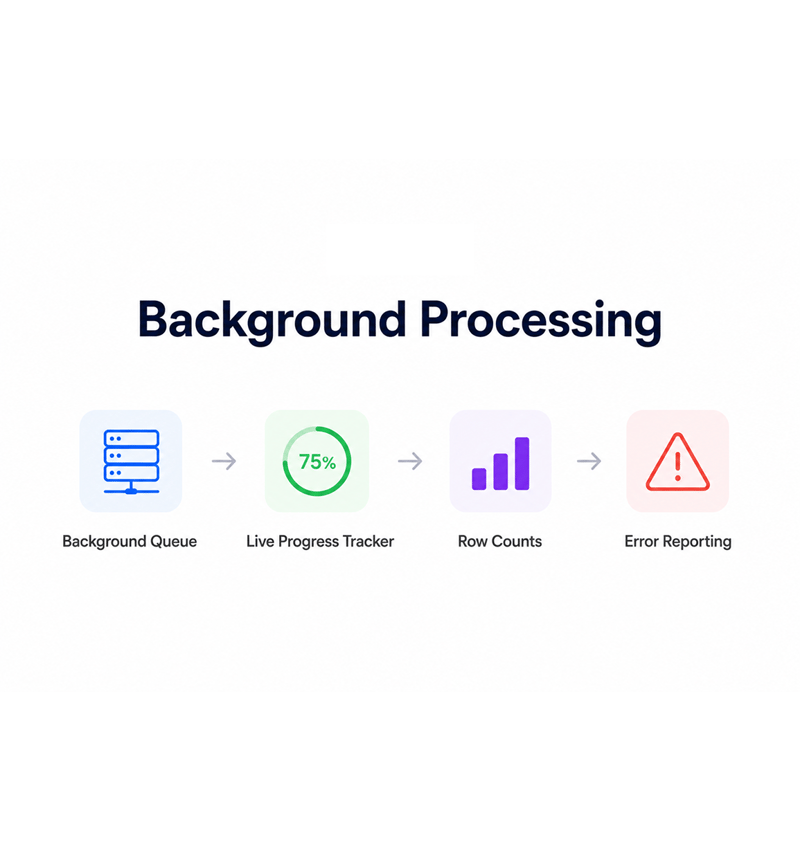
Background Processing
Imports run in the background with live progress
A large import does not freeze your tab. The job hands off to a background queue that validates each record, applies duplicate detection, and writes in batches, with a tracker showing successes, duplicates, and errors.
- Background Queue
- Live Progress Tracker
- Row Counts
- Error Reporting
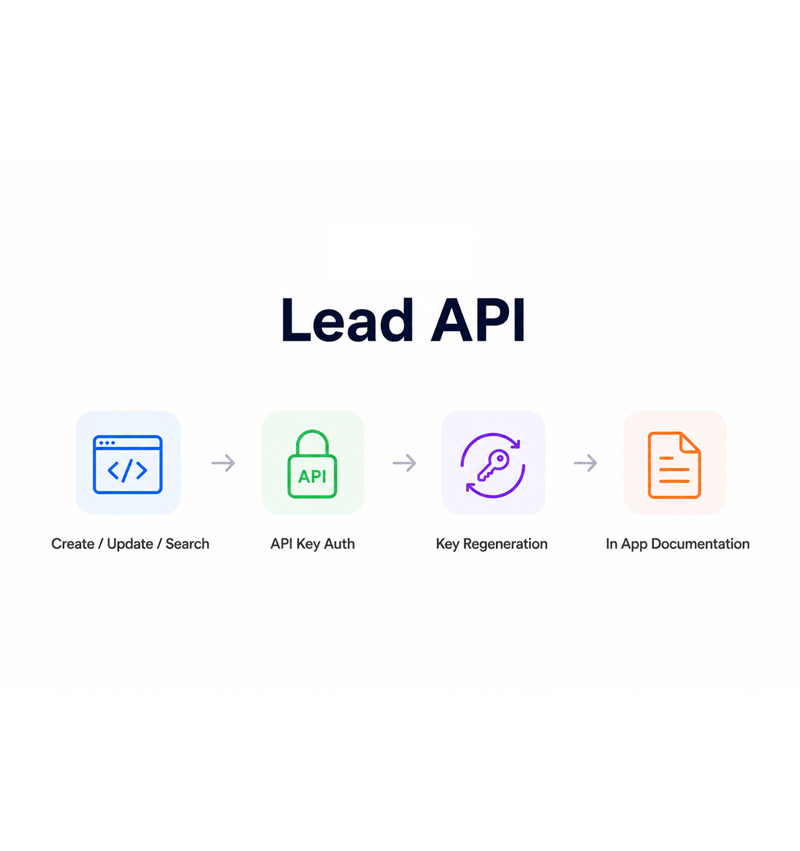
Lead API
Connect external systems with the public Lead API
The public Lead API gives any tool a clean way to create, update, search, and retrieve leads. Authentication uses API keys generated in settings with one click rotation, and the in app docs sit next to the data.
- Create / Update / Search
- API Key Auth
- Key Regeneration
- In App Documentation
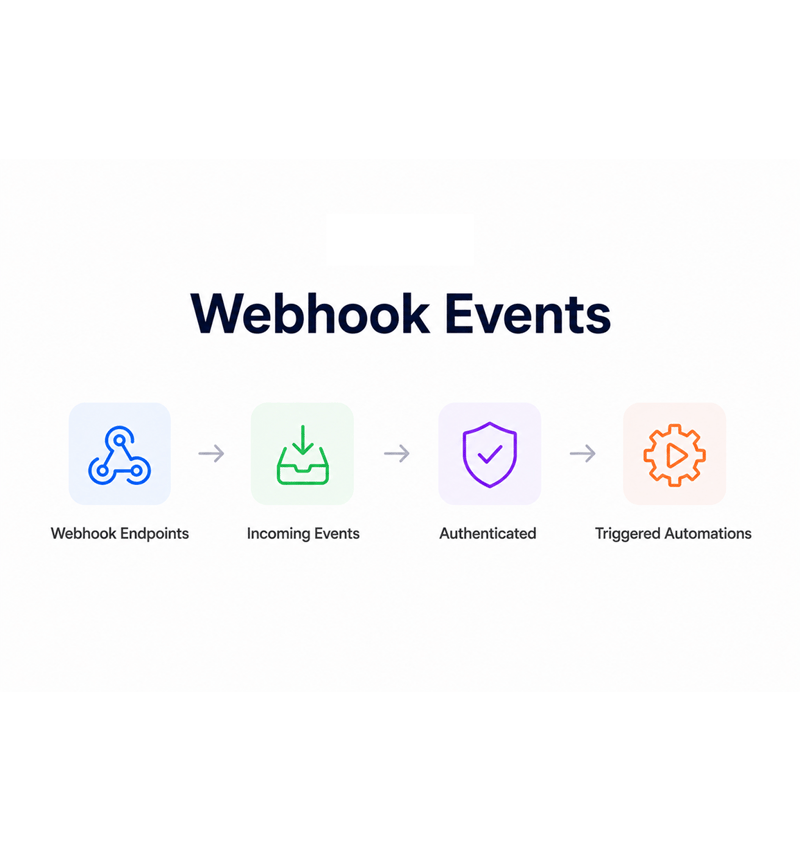
Webhook Events
Receive incoming events from your wider stack
Webhook support lets external systems push events without a polling job. A form submission, a closed deal, a handed off lead, every event hits an endpoint, authenticates, and lands as a lead, update, or automation.
- Webhook Endpoints
- Incoming Events
- Authenticated
- Triggered Automations
Six reasons teams never go back
Once a team has a working import flow, a public API developers can read, and webhooks that listen for events, moving data by email feels slow.

Marketing teams import a fresh list without breaking the rest of the platform
The fear that importing ten thousand leads freezes the dashboard disappears once imports run on a background queue. Marketing imports while sales keeps closing.

Sales reps watch a progress bar instead of refreshing a frozen tab
The tracker shows where the import is: rows processed, duplicates skipped, errors caught, time remaining. Reps see a live counter, so "Is it done yet?" disappears.

Engineering teams stop building one off import scripts
The public Lead API covers create, update, search, and retrieve for every field, including custom ones. The team stops writing import scripts for each source.

External tools push leads straight into the database
Your marketing site, event system, billing platform, every tool with a webhook can push events straight into the lead database. The form to lead handoff stops being an export.

Webhook events arrive in the right place every time
Incoming webhook events authenticate, validate against the payload, and land as a lead, update, or automation. Events your stack fired arrive.

The API documentation lives where the developers actually look
The in app API docs sit inside the platform, next to the lead workspace developers already use. No separate portal, no out of date PDF, the reference is one tab away.
Marketing teams import a fresh list without breaking the rest of the platform
The fear that importing ten thousand leads freezes the dashboard disappears once imports run on a background queue. Marketing imports while sales keeps closing.
Sales reps watch a progress bar instead of refreshing a frozen tab
The tracker shows where the import is: rows processed, duplicates skipped, errors caught, time remaining. Reps see a live counter, so "Is it done yet?" disappears.
Engineering teams stop building one off import scripts
The public Lead API covers create, update, search, and retrieve for every field, including custom ones. The team stops writing import scripts for each source.
External tools push leads straight into the database
Your marketing site, event system, billing platform, every tool with a webhook can push events straight into the lead database. The form to lead handoff stops being an export.
Webhook events arrive in the right place every time
Incoming webhook events authenticate, validate against the payload, and land as a lead, update, or automation. Events your stack fired arrive.
The API documentation lives where the developers actually look
The in app API docs sit inside the platform, next to the lead workspace developers already use. No separate portal, no out of date PDF, the reference is one tab away.




5400+
Teams moving data without
manual exports
Built for teams that bring data in from everywhere
Marketing ops, sales ops, engineering integrations groups, and revenue leaders use EVOX as the integration hub. The bulk import is the historical onboarding, the public API is the connection point, webhooks are the live event stream.
Bulk Import
Public Endpoints
Webhook Events
Progress Tracking
Background processed at any scale
The import engine handles spreadsheets of any reasonable size without freezing the platform. Background processing runs the file row by row with validation, duplicate detection, and mapping, with a live tracker.
Everything the integration layer ships with
A complete data toolkit in your email platform: bulk import with mapping, a public Lead API, keys, docs, and webhooks.

Bulk CSV Import with Column Mapping
Upload a CSV, map columns to lead and custom fields, save the mapping as a template, and run the import in seconds.

Background Processing with Live Progress
Imports run on a background queue, so the platform stays responsive. The tracker shows rows processed, duplicates skipped, time left.

Public Lead API
The public API exposes create, update, search, and retrieve on the full lead schema, including custom fields.

API Key Management with Regeneration
Generate API keys from the settings panel, scope them to the right operations, and regenerate any key in one click.

In App API Documentation
The full API reference lives inside the platform. Every endpoint, parameter, and example sits one click away.

Webhook Support for Incoming Events
Webhook receivers let external systems push events without a polling job. Every event authenticates, validates, and lands.
Everything you need to know
Common questions about EVOX bulk imports, the public Lead API, API keys, and webhooks.
Evox sends campaigns that feel one-to-one at scale.
Behavior-triggered emails that build, personalize, and send themselves so every subscriber gets the right message at the right moment.
- 4.1x
- average campaign ROI
- 68%
- open rate improvement
- 3.2x
- conversion rate lift
- 0
- spam complaints