





Every signing scenario.
One eSignature platform.
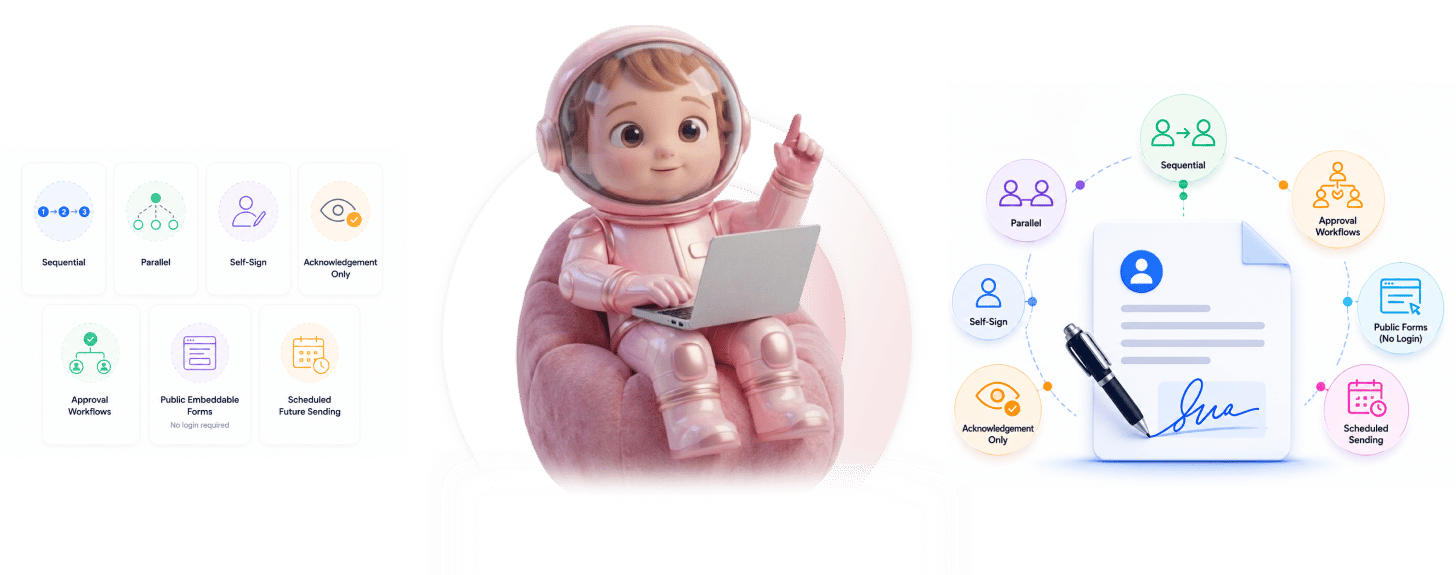
Sequential, parallel, self-sign, acknowledgement, approvals, public forms, and scheduled sending in one platform.
From workflow choice to signed contract in 4 steps
Pick the workflow that fits, configure signers and routing, send or schedule, track every one to completion.
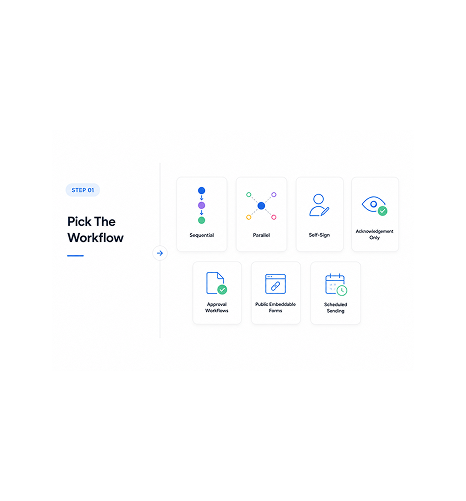
Pick The Workflow
Pick the workflow that fits the contract
Sequential for ordered chains. Parallel when everyone signs at once. Self-sign for internal docs. Acknowledgement for read-and-confirm. Approval for sign-off chains. Public forms for high volume. Scheduled for timed releases.
- 7 Workflow Types
- Per Contract Choice
- Right Fit
- No Workarounds
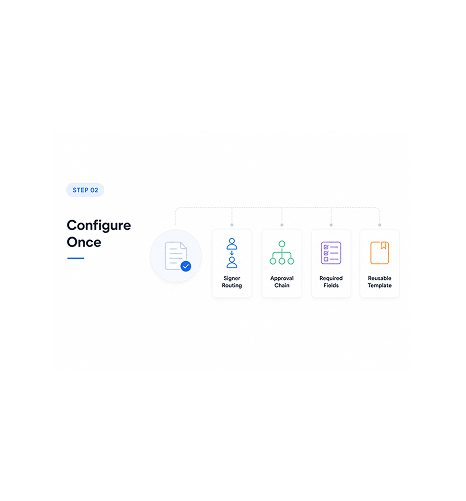
Configure Once
Configure signers, routing, deadlines
Once the type is picked, configure the specifics. Signer order for sequential. Approval chain for sign-off. Required fields for public forms. Validity windows for time bound contracts. Save it as a reusable template.
- Signer Routing
- Approval Chain
- Required Fields
- Reusable Template
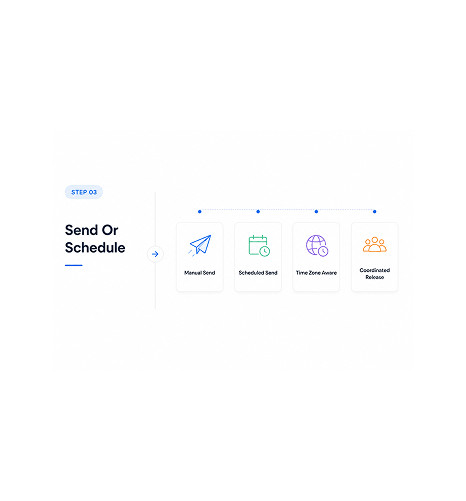
Send Or Schedule
Send manually or schedule for future
Send the contract immediately, or schedule it for a future date and time. Quarter end mass sending, coordinated launches, time zone aware delivery. Scheduled sending covers every case needing a specific send moment.
- Manual Send
- Scheduled Send
- Time Zone Aware
- Coordinated Release
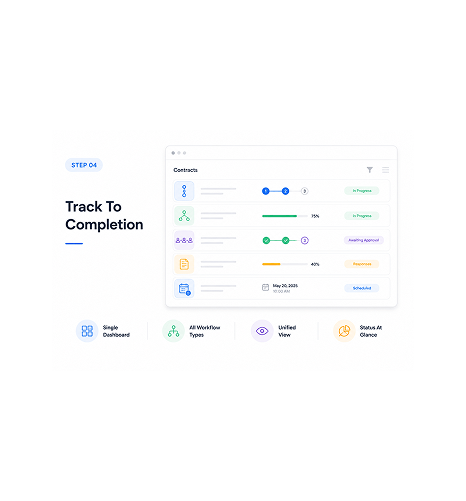
Track To Completion
Track every workflow in one dashboard
Whatever workflow type the contract uses, tracking happens in one dashboard. Sequential progress, parallel completion, approval status, public form submissions, all in one place. A single view of every contract.
- Single Dashboard
- All Workflow Types
- Unified View
- Status At Glance
Six reasons one platform handles every workflow
Seven workflow types in one platform: sequential, parallel, self-sign, acknowledgement, approval, public forms, scheduled sending.

Every signing scenario, no second tool needed
Teams needing approval workflows often buy a separate tool, and public forms another. Sigi handles every scenario, so the team consolidates onto one platform.

Sequential and parallel both supported
Some contracts need ordered signing: counsel before founder, founder before client. Others need parallel where everyone signs at once. Both are supported, picked per contract.

Self-sign and acknowledgement only for internal flows
Internal docs often need one signature, or just a read-and-acknowledge. Self-sign handles single signer cases. Acknowledgement confirms the doc was seen. Both are first class.

Approval workflows for chains that need sign-off
Procurement approvals, expense sign-offs, vendor onboarding. Approval workflows route the document down the chain, each signing before the next.

Public embeddable forms for high volume capture
Some workflows need signatures from people who shouldn't log in: waivers, event registrations, partner onboarding. Public forms accept them.

Scheduled sending for timed releases
Quarter-end mass sends, coordinated launches, time-zone-aware delivery for global audiences. Scheduled sending covers it all. Set up now, send then.
Every signing scenario, no second tool needed
Teams needing approval workflows often buy a separate tool, and public forms another. Sigi handles every scenario, so the team consolidates onto one platform.
Sequential and parallel both supported
Some contracts need ordered signing: counsel before founder, founder before client. Others need parallel where everyone signs at once. Both are supported, picked per contract.
Self-sign and acknowledgement only for internal flows
Internal docs often need one signature, or just a read-and-acknowledge. Self-sign handles single signer cases. Acknowledgement confirms the doc was seen. Both are first class.
Approval workflows for chains that need sign-off
Procurement approvals, expense sign-offs, vendor onboarding. Approval workflows route the document down the chain, each signing before the next.
Public embeddable forms for high volume capture
Some workflows need signatures from people who shouldn't log in: waivers, event registrations, partner onboarding. Public forms accept them.
Scheduled sending for timed releases
Quarter-end mass sends, coordinated launches, time-zone-aware delivery for global audiences. Scheduled sending covers it all. Set up now, send then.




11500+
Teams running every signing workflow in one platform
Built for teams who refuse to maintain multiple eSignature tools for different contract types
Sales ops running quote and proposal flows. Legal ops running multi party agreements. HR running offers and acknowledgements. Procurement running approval chains. Founders running every contract type in one tool.
Types Supported
Forms
Send Available
All Types
Sequential, parallel, self-sign, acknowledgement
Four core signing patterns handled natively. Sequential for ordered chains, parallel for simultaneous signing, self-sign for single signer cases, acknowledgement for read-and-confirm docs.
Every workflow the platform ships with
Sequential, parallel, self-sign and acknowledgement, approvals, public forms, scheduled future sending.

Sequential Signing
Documents route through signers in a defined order. Counsel before founder, founder before client. Each is notified only after the previous completes.

Parallel Signing
All signers are notified at once and can sign in any order. Best for multi-party contracts where order doesn't matter.

Self-Sign and Acknowledgement Only
Self-sign handles cases where one person executes the document. Acknowledgement confirms a doc was read without a formal signature.

Approval Workflows
Documents route through approval chains, each approver signing off before the next. Procurement, expense sign-offs, onboarding.

Public Embeddable Forms
Forms that accept signatures without a login. Embed in your website or share as a link. Waivers, event registrations, onboarding.

Scheduled Future Sending
Configure the contract today, send it at a future date and time. Quarter-end mass sends, launches, time-zone-aware delivery.
Everything you need to know
Common questions on workflow choice, public forms, scheduled sending, and mixing.
Sigi drafts, sends, and gets it signed without the chasing.
Turn a contract into a signed, audited document in minutes while AI flags risky clauses before they reach your signer.
- 5 min
- average time to signed
- 0
- risky clauses missed
- 100%
- documents with audit trail
- 6
- signing workflows supported