





Stalled signers don't slip.
They get nudged.
Sigi sends automatic alerts when a signer views but hasn't signed after 24 hours. Reminder frequency is configurable, with smart escalation.
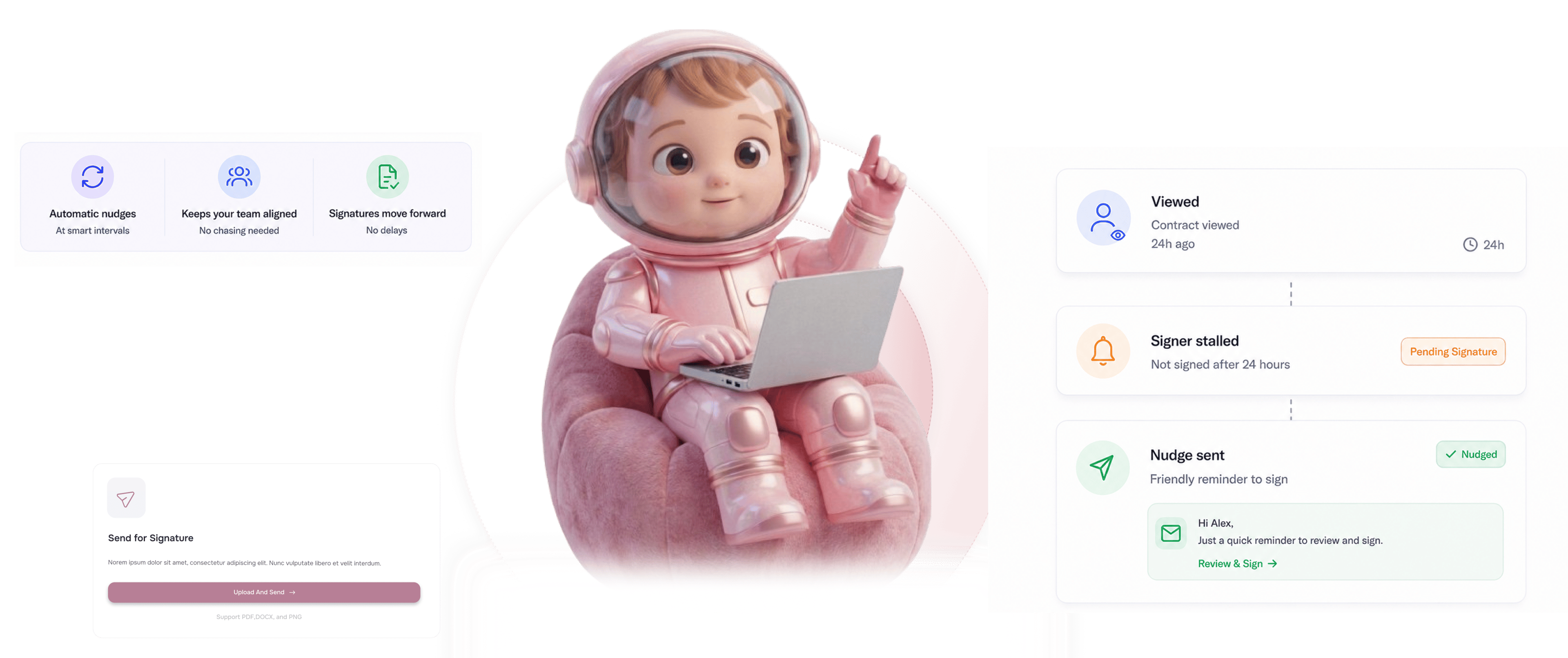
From stall detection to signed contract in 4 steps
Signer views but doesn't sign for 24 hours, first alert fires, reminder cadence runs, smart escalation handles repeat stalls.
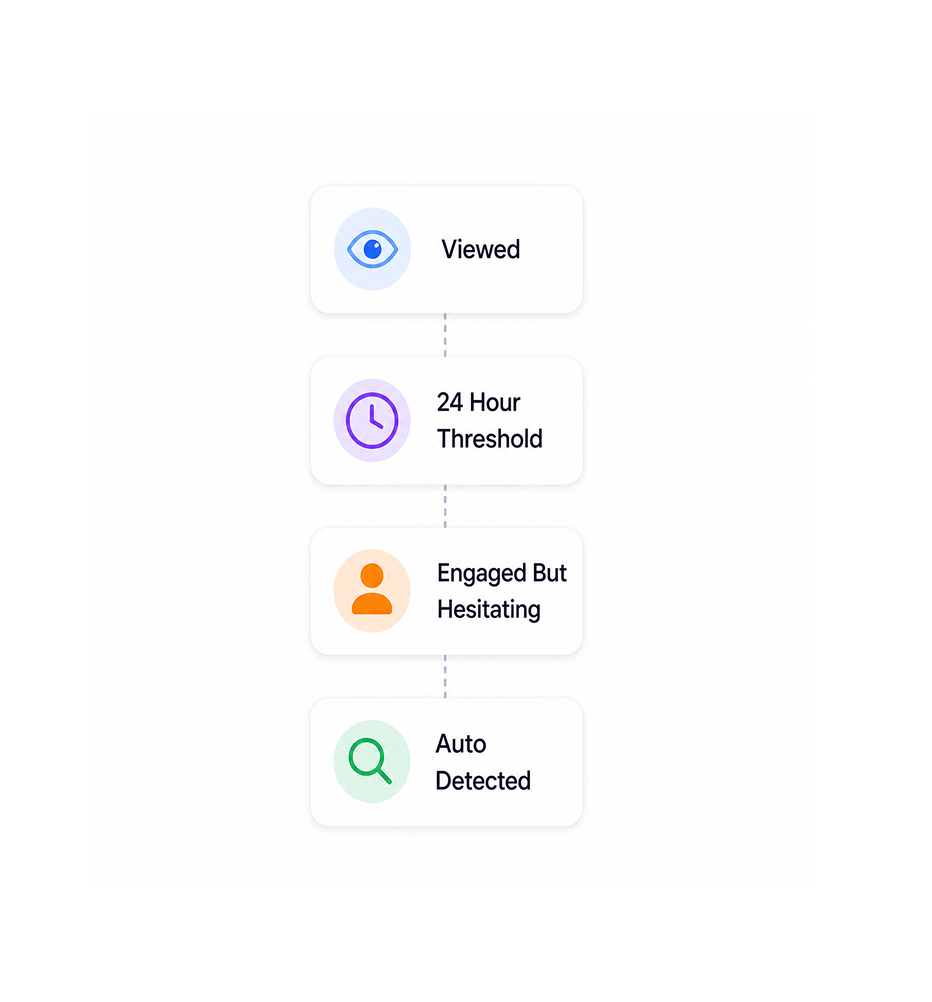
24 Hour Threshold
Signer views but doesn't sign for 24 hours
When a signer has opened the contract, spent real time reading, and still hasn't signed after 24 hours, Sigi detects the stall. The threshold catches the case where the signer is clearly engaged but hesitating, which is the signal worth acting on.
- Viewed
- 24 Hour Threshold
- Engaged But Hesitating
- Auto Detected
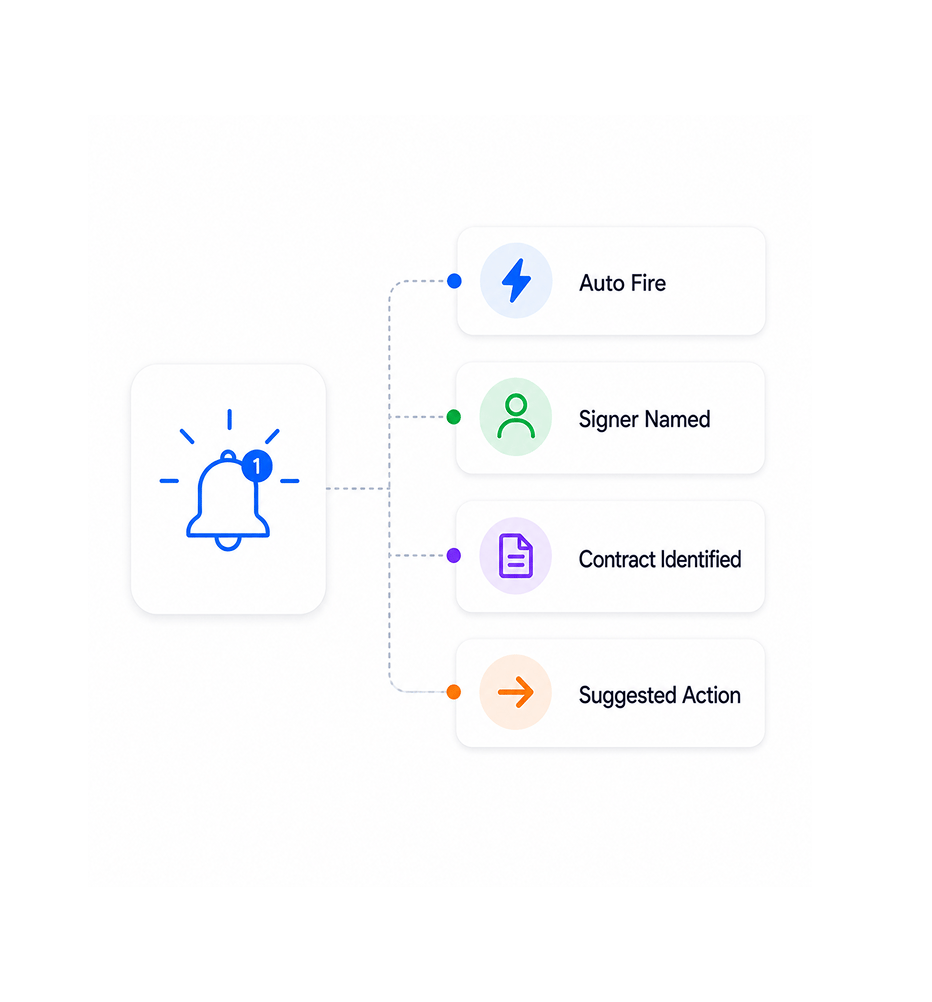
First Alert Fires
First alert fires automatically
The moment a stall is detected, the first alert fires to the team responsible. It names the specific signer, the contract, the time since last view, and the suggested next action. The team sees the signal and acts without checking any dashboard.
- Auto Fire
- Signer Named
- Contract Identified
- Suggested Action
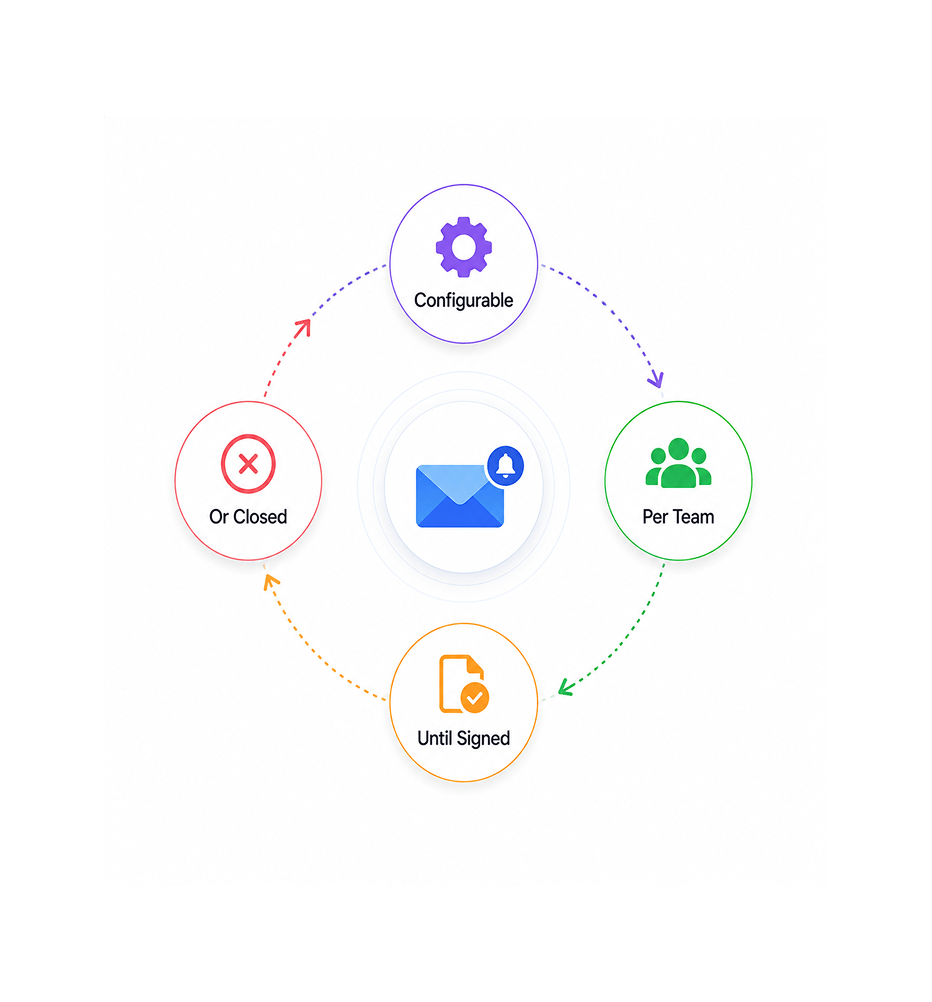
Reminder Cadence
Reminder cadence runs on the team's schedule
If the signer still hasn't signed after the first alert, the reminder cadence kicks in. The team configures the frequency: daily, every other day, every three days. It runs until signed or closed.
- Configurable
- Per Team
- Until Signed
- Or Closed

Smart Escalation
Smart escalation for repeated stalls
When a stall continues past multiple reminder cycles, smart escalation kicks in. The alert tone changes, more team members get looped in, and the contract surfaces with higher priority. Routine stalls and serious holdups get treated differently.
- Escalation Trigger
- Wider Audience
- Higher Priority
- Different Treatment
Six reasons stalled signers stop slipping
Automatic alerts on stall, configurable reminder frequency, smart escalation. The team chases the right contracts.

Stalled signers stop slipping through the cracks
A signer who viewed and didn't sign is a deal in progress. Without alerts, those contracts get forgotten. Auto alerts catch every stall.

Alerts pushed to the team, no dashboard polling
The team shouldn't need to check a dashboard every morning for stalled contracts. Push alerts deliver the signal in real time.

Reminder frequency configurable per team
Different teams operate at different cadences. Sales chasing close wants frequent reminders; legal prefers slower. The team configures the fit.

Smart escalation handles serious holdups
A contract stalled two days differs from one stalled two weeks. Smart escalation changes the tone, loops in more members, and raises priority.

Works with the team's existing chat tool
Alerts push to the chat tool the team already uses. The picture lands where the team is already paying attention, so signals get real urgency.

Every alert tied to specific signer and contract
An alert that just says a signer is stalled is useless. Each Sigi alert names the signer, the contract, the time since last view, and the next action.
Stalled signers stop slipping through the cracks
A signer who viewed and didn't sign is a deal in progress. Without alerts, those contracts get forgotten. Auto alerts catch every stall.
Alerts pushed to the team, no dashboard polling
The team shouldn't need to check a dashboard every morning for stalled contracts. Push alerts deliver the signal in real time.
Reminder frequency configurable per team
Different teams operate at different cadences. Sales chasing close wants frequent reminders; legal prefers slower. The team configures the fit.
Smart escalation handles serious holdups
A contract stalled two days differs from one stalled two weeks. Smart escalation changes the tone, loops in more members, and raises priority.
Works with the team's existing chat tool
Alerts push to the chat tool the team already uses. The picture lands where the team is already paying attention, so signals get real urgency.
Every alert tied to specific signer and contract
An alert that just says a signer is stalled is useless. Each Sigi alert names the signer, the contract, the time since last view, and the next action.




9400+
Teams catching stalled signers before they cost revenue
Built for teams whose revenue depends on contracts that don't slip through the cracks
Sales ops teams chasing close who can't afford a stalled signer found at quarter end. Founders waiting on high-value signatures who want a quiet nudge. Legal ops teams needing automatic follow-up.
On Stall
Cadence
Escalation
Detail
Pushes notifications when a signer stalls
When a signer has viewed but not signed after 24 hours, the alert fires automatically. The team gets notified in the chat tool they already use, with the specific signer, contract, and suggested action ready to act on.
Everything the alert layer ships with
Auto alert on 24-hour stall, configurable reminders, smart escalation, per-signer detail, chat push.
Auto Alert On 24 Hour Stall
The moment a signer has viewed the document and not signed for 24 hours, the first alert fires automatically. No per-contract setup.

Configurable Reminder Frequency
The team configures how often reminders fire after the first alert: daily, every other day, every three days.

Smart Escalation Cadence
When a stall continues past multiple reminder cycles, escalation kicks in. Tone changes, more members get looped in, priority rises.

Per Signer Alert Detail
Every alert names the signer, contract, time since last view, and next action. The team acts immediately.

Chat Tool Push Delivery
Alerts push to the team's existing chat tool. The picture lands where the team already pays attention, so signals get real urgency.

Per Contract Routing
Different contracts route to different channels. Customer contracts to the account team, vendor to procurement, employment to HR.
Everything you need to know
What triggers alerts, configurable frequency, smart escalation, delivery, and per-contract setup.
Sigi drafts, sends, and gets it signed without the chasing.
Turn a contract into a signed, audited document in minutes while AI flags risky clauses before they reach your signer.
- 5 min
- average time to signed
- 0
- risky clauses missed
- 100%
- documents with audit trail
- 6
- signing workflows supported