





Move your workflows
wherever they need to go
Export any workflow as portable JSON, import in seconds, bulk export the workspace, and migrate with safe rollback.
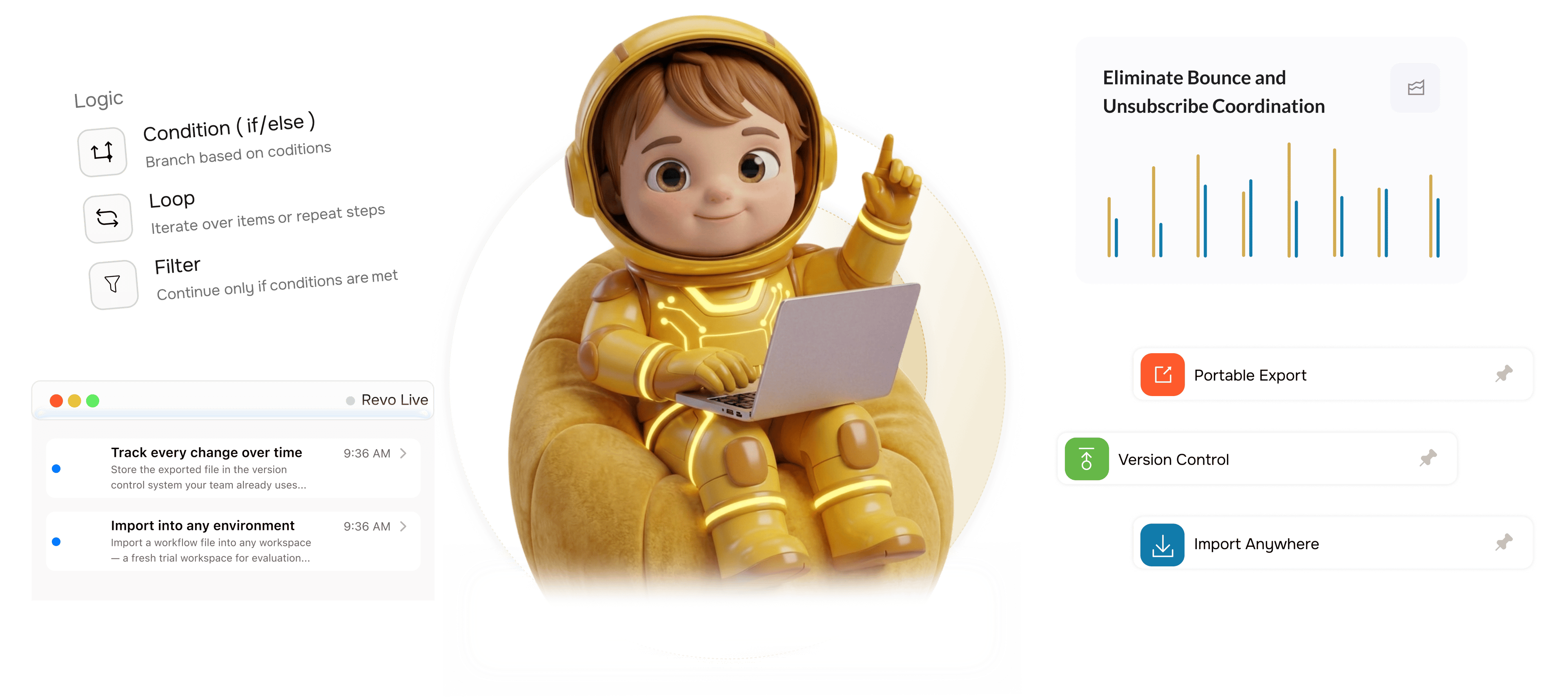
From locked in to portable in 4 steps
Export any workflow as portable JSON, store it in version control, import anywhere, and migrate safely.
Portable Export
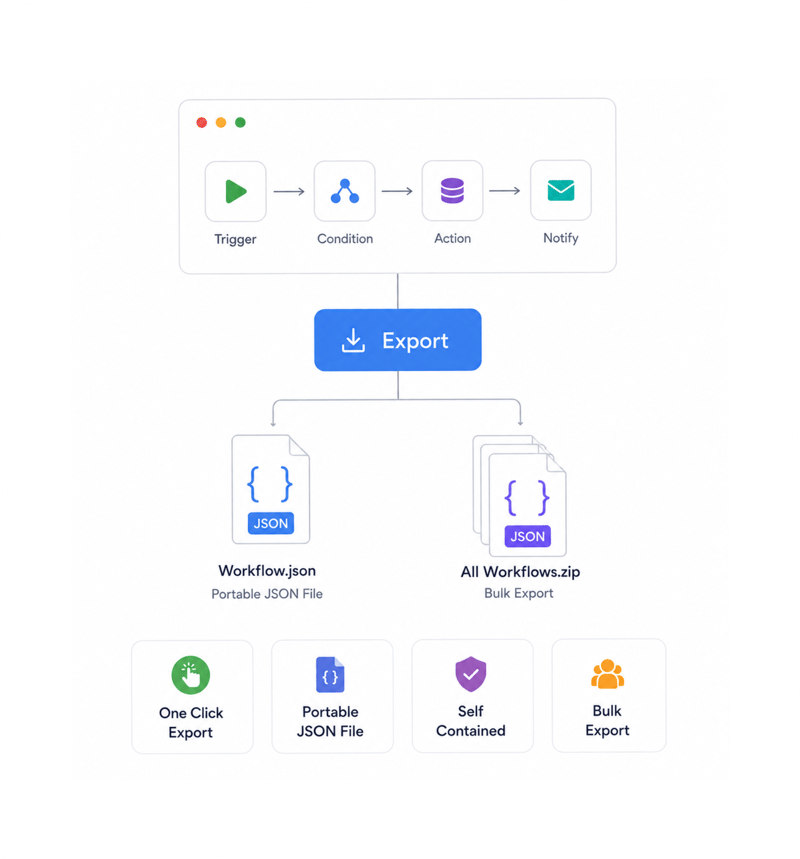
Export workflows as portable files
Open any workflow and click export to download a portable JSON file with every step, trigger, condition, variable reference, and connection. It is self contained and human readable: open it, read it, store it. Bulk export the whole workspace at once.
- One Click Export
- Portable JSON File
- Self Contained
- Bulk Export
Version Control
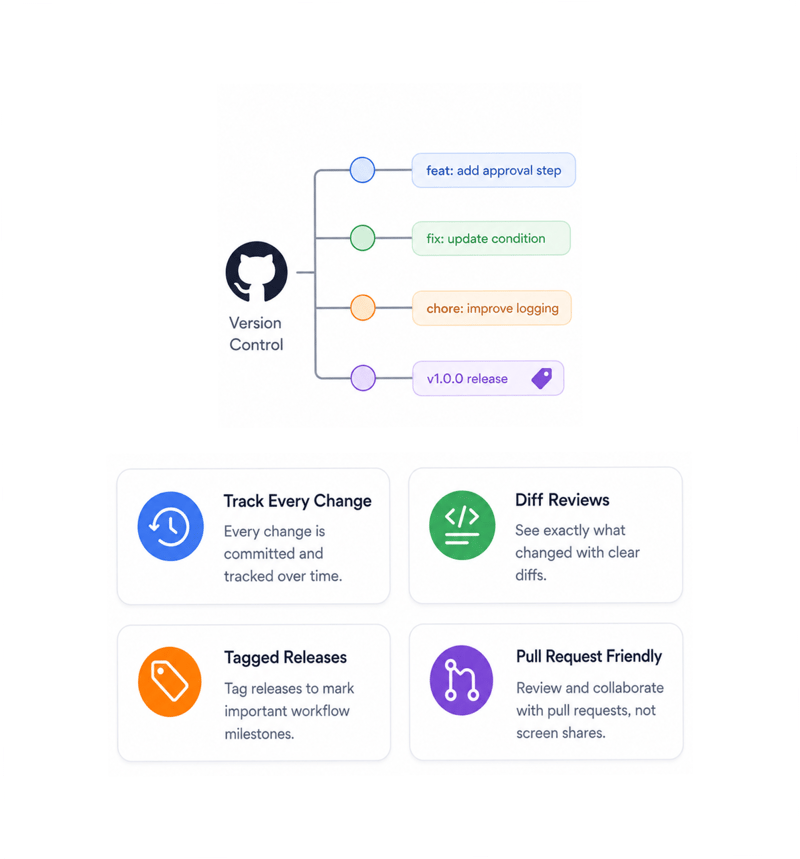
Track every change over time
Store the exported file in the version control your team already uses: every change a commit, every edit a diff, every release a tag, every rollback a clean revert. Reviewing a change becomes a pull request.
- Track Every Change
- Diff Reviews
- Tagged Releases
- Pull Request Friendly
Import Anywhere
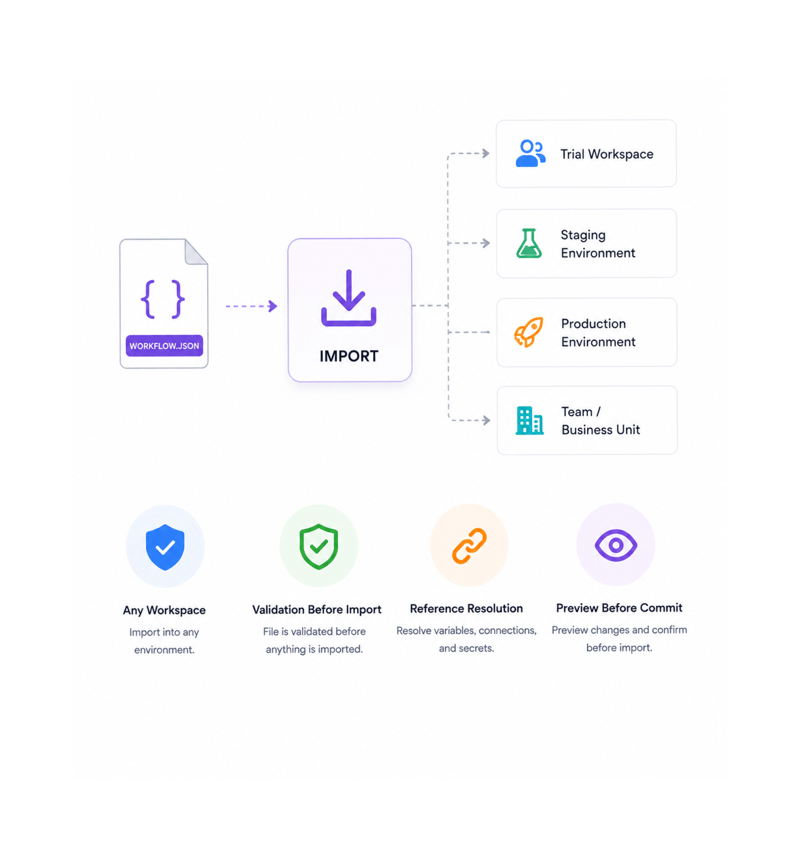
Import into any environment
Import a workflow file into any workspace: a fresh trial for evaluation, staging for testing, production for deployment, or a separate team workspace. The platform validates the file, surfaces references to resolve, and previews what will be created.
- Any Workspace
- Validation Before Import
- Reference Resolution
- Preview Before Commit
Safe Migration
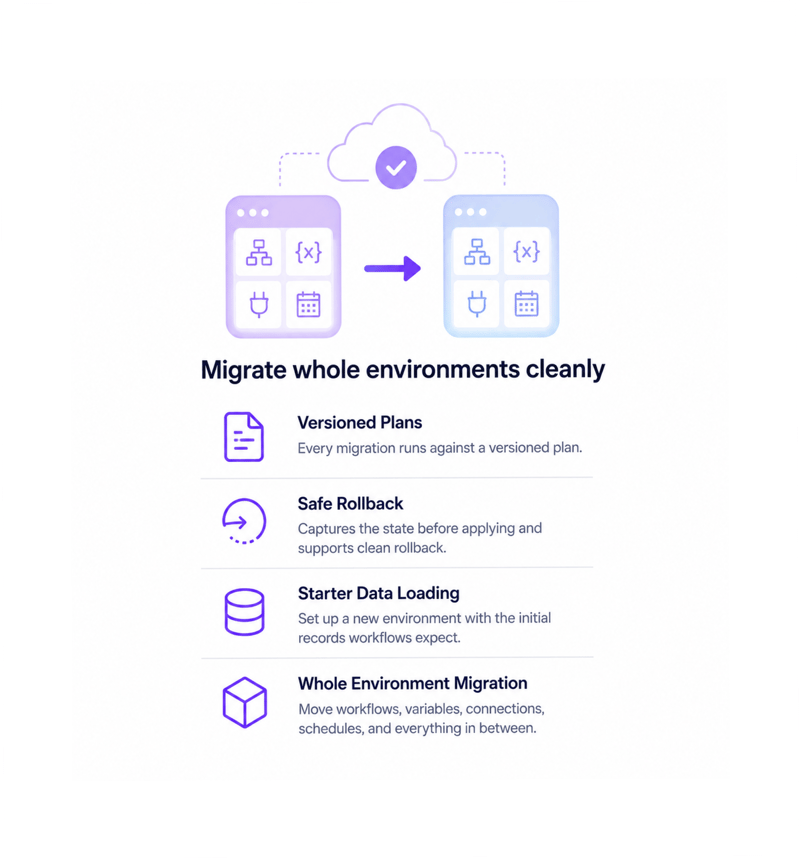
Migrate whole environments cleanly
Migration tools move entire setups between environments: workflows, variables, connections, schedules. Every migration runs against a versioned plan, captures state before applying, and supports clean rollback.
- Whole Environment Migration
- Safe Rollback
- Starter Data Loading
- Versioned Plans
Six reasons teams never go back
Once a team can export every workflow, version it, import anywhere, and migrate with rollback, lock in is unacceptable.

Workflows that live outside the platform
An exported workflow file is self contained, human readable, and portable. It is a file the team owns and can move freely, not something locked inside the platform.

Version control that actually works
Store exported files in your version control, and every change becomes a commit with a diff, every release a tag, every rollback a clean revert. Same review as any change.

Move between environments cleanly
Build in development, export, import into staging to test, then import the same file into production. "It worked in dev but not in prod" gives way to one file everywhere.

Backups every team can trust
A scheduled bulk export gives the team a complete backup of every workflow in a format they understand, restorable fast when configuration is lost.

Bulk operations for the whole workspace
Bulk export every workflow in the workspace in one operation, and bulk import a whole archive into a fresh environment in one operation. Fifty exports collapse to two clicks.

Rollback protects every migration
Every migration captures the state before applying, so any migration can be cleanly rolled back if the new state looks wrong.
Workflows that live outside the platform
An exported workflow file is self contained, human readable, and portable. It is a file the team owns and can move freely, not something locked inside the platform.
Version control that actually works
Store exported files in your version control, and every change becomes a commit with a diff, every release a tag, every rollback a clean revert. Same review as any change.
Move between environments cleanly
Build in development, export, import into staging to test, then import the same file into production. "It worked in dev but not in prod" gives way to one file everywhere.
Backups every team can trust
A scheduled bulk export gives the team a complete backup of every workflow in a format they understand, restorable fast when configuration is lost.
Bulk operations for the whole workspace
Bulk export every workflow in the workspace in one operation, and bulk import a whole archive into a fresh environment in one operation. Fifty exports collapse to two clicks.
Rollback protects every migration
Every migration captures the state before applying, so any migration can be cleanly rolled back if the new state looks wrong.




8500+
Teams treating workflows
as portable, versioned artifacts
Built for teams who treat workflows as code worth versioning
Platform engineering teams, operations leaders, compliance officers, automation engineers promoting from dev to staging to production, and founders refusing lock in use Revo's import and export tools.
Export
Import
Rollback
Data
Export, import, version, share
Every workflow exports as a self contained portable file with every step, trigger, condition, variable reference, and connection. Import into any workspace and it recreates exactly.
Everything the import and export layer ships with
A complete portability toolkit in the platform you use. Single and bulk export and import, migration, safe rollback.

Export Workflows as JSON
One click exports any workflow as a self contained portable JSON file with every step, trigger, condition, variable reference, and connection.

Import Workflows from JSON
Import a workflow file into any workspace in seconds. The platform validates first, surfaces references, and shows a preview of what will be created.

Bulk Export Across the Workspace
Export every workflow in the workspace in one operation. The bundle is an archive of portable files, ready to commit, back up, or import elsewhere.

Version Control Friendly
The exported file format is designed for clean diffs in version control. Every meaningful change produces a readable diff in your review.

Database Migration Tools with Rollback
Move entire environments between workspaces with versioned plans that capture state before applying. Everything moves together.

Starter Data Loading
Set up a fresh environment with the records workflows expect: sample contacts, baseline config, reference data, default categories. Useful in minutes.
Everything you need to know
Questions about file contents, version control, environment promotion, and rollback.
Describe the workflow, Revo builds it across 1,000+ apps.
Write an automation in plain English and Revo connects your tools, then sends AI agents to take action while you sleep.
- 1,000+
- app integrations
- 99.9%
- workflow uptime
- 0
- lines of code to build
- 10x
- faster than manual