





Automated Task Prioritization That Puts
the Most Important Work First
Drop your backlog on TARO. AI re-orders every task by due dates, dependencies, and strategic impact, surfacing what to build.
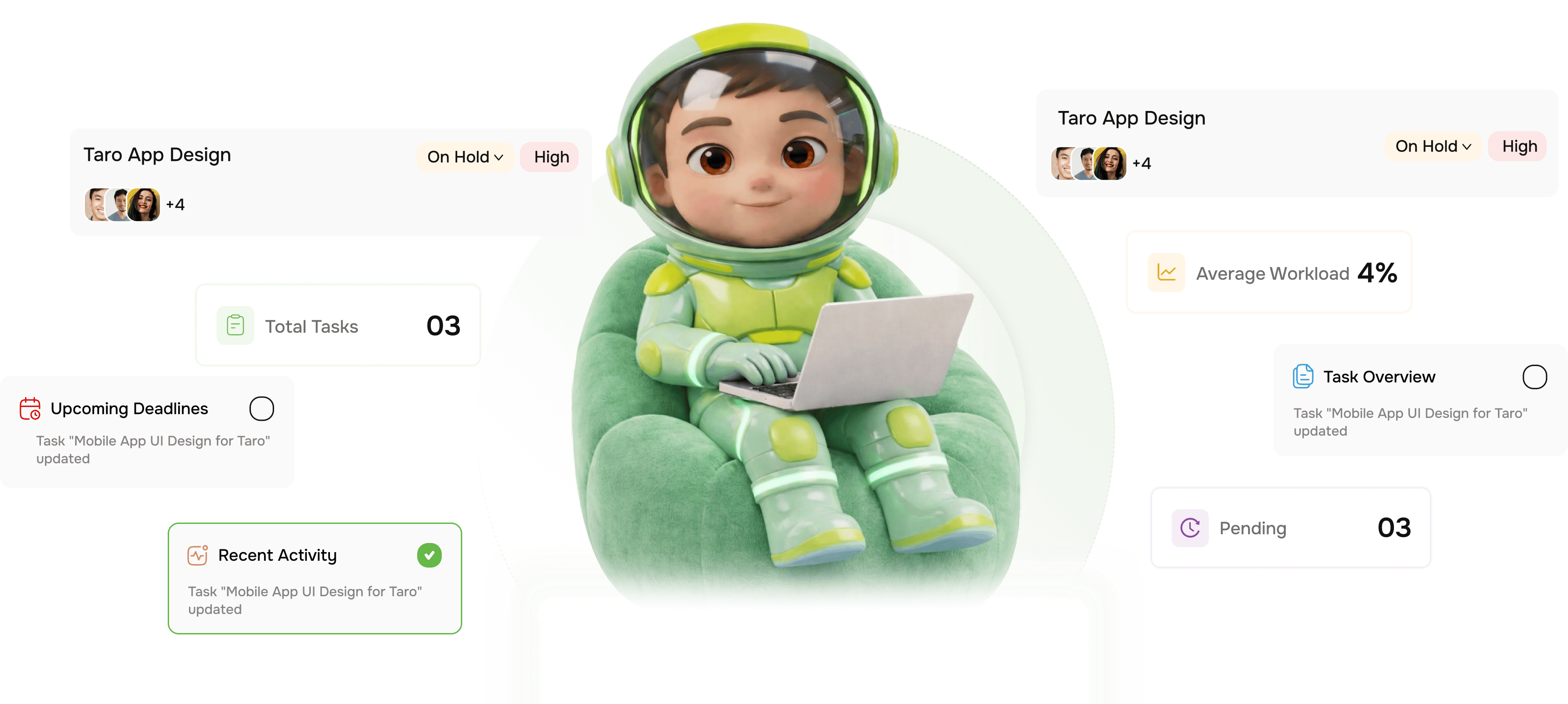
From a messy backlog to a ranked build order in four steps
TARO reads every task in your backlog and returns a re-ordered list with the AI reasoning behind every position shown.
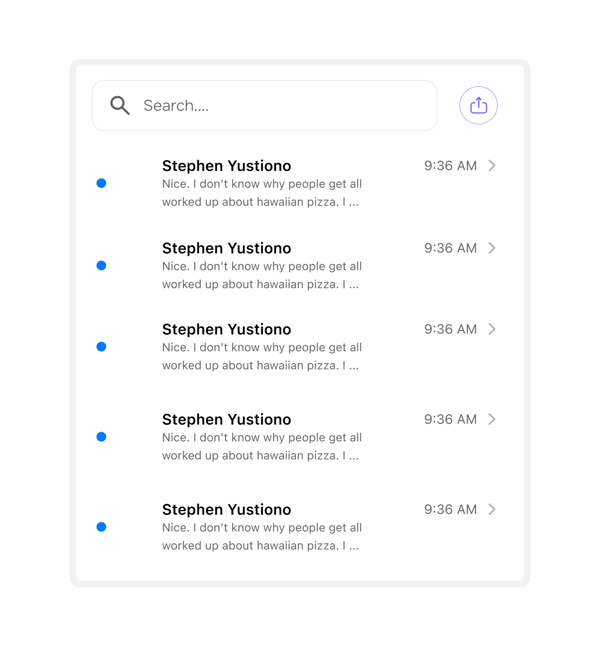
Ingest
Paste one task or import hundreds at once
TARO takes your backlog however it arrives: paste tasks, import CSV, pull from a project, or connect via API. Every task is ingested, deduplicated, and parsed for title, labels, due dates, and dependencies.
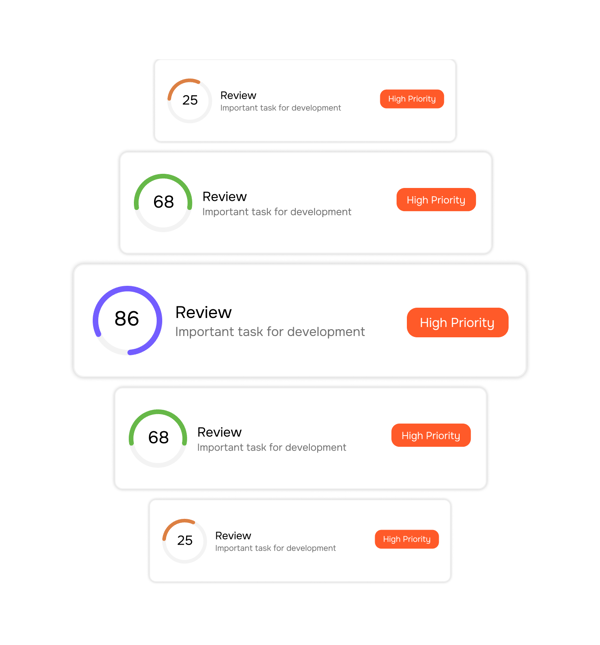
Score
Every task scored across three axes simultaneously
TARO doesn't rank on one signal. It evaluates every task across three axes, each capturing what makes work worth doing now versus later. The three scores combine into one composite priority rank shown in the reasoning.
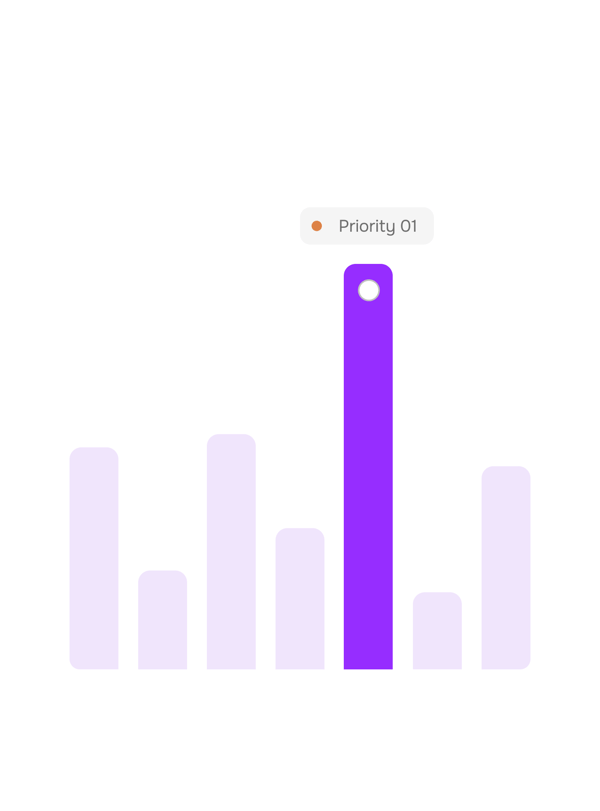
Rank
A ranked build order. Every position explained.
TARO returns your backlog re-ordered from highest to lowest priority, with AI reasoning beneath each task. Not just a number, but a plain-language explanation of why a task sits where it does.
Adapt
The ranking updates every time the backlog changes
Priorities don't stay fixed. Tasks get added, deadlines shift, blockers appear. TARO re-scores and re-ranks the backlog in real time whenever any signal changes, so Monday's order is still accurate by Thursday.
- Re ranks on every change
- Always up to date
- Override anytime
Six reasons teams never go back
Backlog grooming eats 3 to 5 hours per sprint. Auto Prioritization does better in seconds and updates it whenever anything changes.

The entire backlog ranked in seconds
Whether your backlog has 20 tasks or 200, TARO scores and re-orders it all instantly. Grooming now takes as long as opening the ranked view.

Reasoning shown for every position
Every task's rank comes with a plain-language explanation. Teams know why #1 is #1, so they can push back, approve confidently, or override knowingly.

Dependency chains surface automatically
Tasks blocking multiple downstream items float to the top, even if their own deadline is far off. The most unblocking work ranks highest.

Due dates drive urgency, not guesswork
Overdue tasks move straight to the top. Tasks due this sprint rank above those due next quarter. TARO turns your due dates into an automatic urgency signal.

Strategic impact included, not ignored
A task tagged an investor milestone or customer launch ranks above a same-day internal chore. TARO reads labels and tags to infer what matters.

Re ranks automatically no maintenance
Every new task, deadline change, or blocker triggers an automatic re-rank. The prioritised backlog your team relies on is always current.
The entire backlog ranked in seconds
Whether your backlog has 20 tasks or 200, TARO scores and re-orders it all instantly. Grooming now takes as long as opening the ranked view.
Reasoning shown for every position
Every task's rank comes with a plain-language explanation. Teams know why #1 is #1, so they can push back, approve confidently, or override knowingly.
Dependency chains surface automatically
Tasks blocking multiple downstream items float to the top, even if their own deadline is far off. The most unblocking work ranks highest.
Due dates drive urgency, not guesswork
Overdue tasks move straight to the top. Tasks due this sprint rank above those due next quarter. TARO turns your due dates into an automatic urgency signal.
Strategic impact included, not ignored
A task tagged an investor milestone or customer launch ranks above a same-day internal chore. TARO reads labels and tags to infer what matters.
Re ranks automatically no maintenance
Every new task, deadline change, or blocker triggers an automatic re-rank. The prioritised backlog your team relies on is always current.




800+
product teams already using TARO
Built for every team that has more
to build than time
Engineering leads, product managers, and founders bring different opinions to a backlog. Auto Prioritization gives them a shared starting point built from signals everyone sees, so talks start from data.
Backlog grooming meetings
Saved per sprint per team
Of rankings explained
Faster sprint planning
Sprint planning starts with a ranked backlog, not a blank canvas.
Engineering leads open sprint planning with TARO's ranked backlog in front of them. Top items rank on real signals deadlines, blockers, strategic weight not who argued hardest.
Auto prioritization is just the start
Once your backlog is ranked, TARO keeps predicting, flagging, and distributing work across the full sprint.

Completion Analysis
Predicts your project's finish date from velocity, blockers, and sprint history. Get the date, variance, and confidence before you commit.

Risk Prediction
Scans for overdue tasks, stalled workflows, and blocked dependencies, then recommends exact actions before risks become incidents.

Workload Distribution
Analyses sprint capacity and suggests exact reassignments to balance overloaded members before a deadline slips with one click to apply all changes.

Smart Task Creation
Type one sentence. TARO generates a structured task title, description, priority, due date, assignee in under 3 seconds.
Everything you need to know about Auto Prioritization
Common questions from PMs, engineering leads, and founders evaluating TARO's prioritisation engine.
Taro plans, tracks, and flags risks before they hit.
Keep every project on track with AI that spots slippage early and tells your team what to do next.
- 87%
- on-time delivery
- 2.4x
- team throughput
- 0
- deadlines missed
- 35%
- fewer status meetings