





AI Task Builder That Turns One
Sentence into a Complete Task.
TARO builds a structured task title, description, priority, due date, and the right assignee in under 3 seconds. No forms, no clicks.
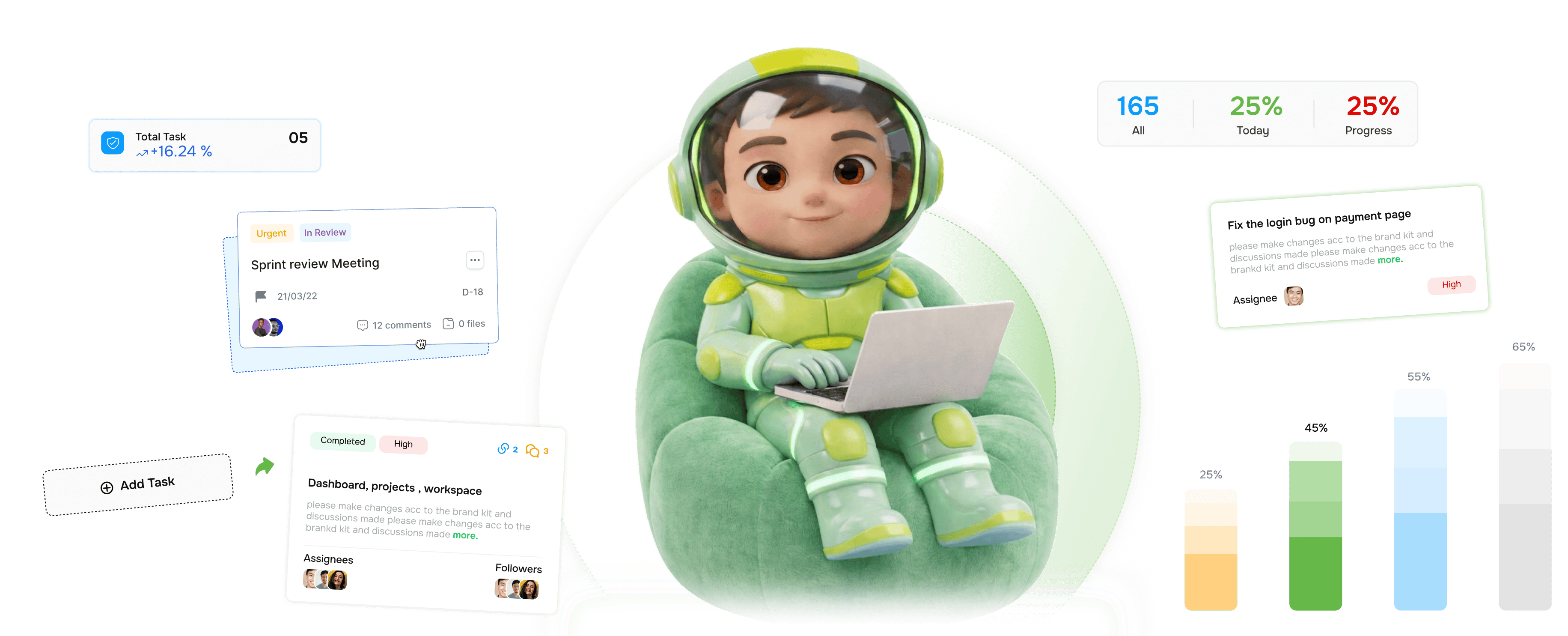
From one sentence to a fully structured task in four steps
TARO reads your plain-language input and builds every field automatically, like a senior PM would, in under 3 seconds.
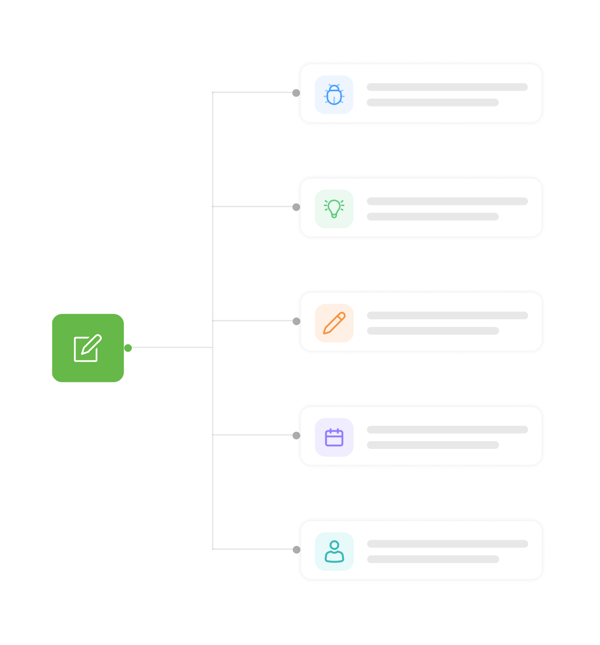
Input
Write exactly what you're thinking
No structure required. Type it like you'd describe the task to a colleague in Slack a bug, a feature request, a deadline, a design change. TARO accepts it all, and the less you structure, the more impressive the output.
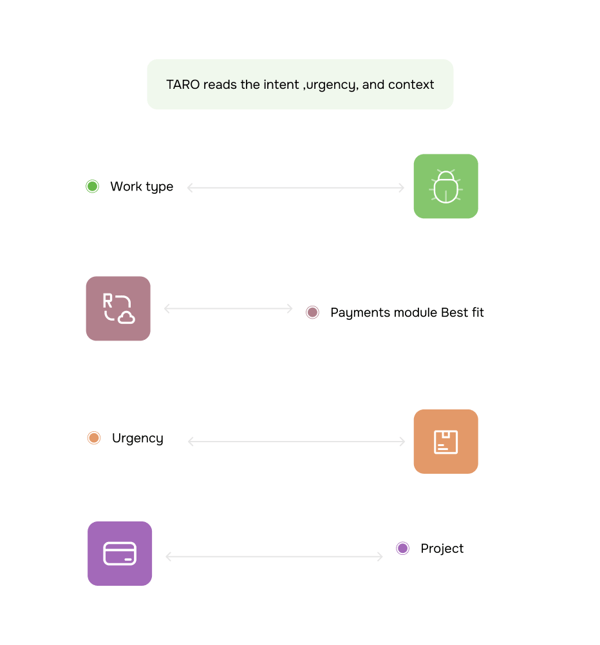
Analysis
TARO reads the intent, urgency, and context
Before generating a field, TARO analyses your input for four things: the type of work, how urgent it sounds, which project it belongs to, and who's best placed to handle it. It happens in the background, with nothing to wait for.
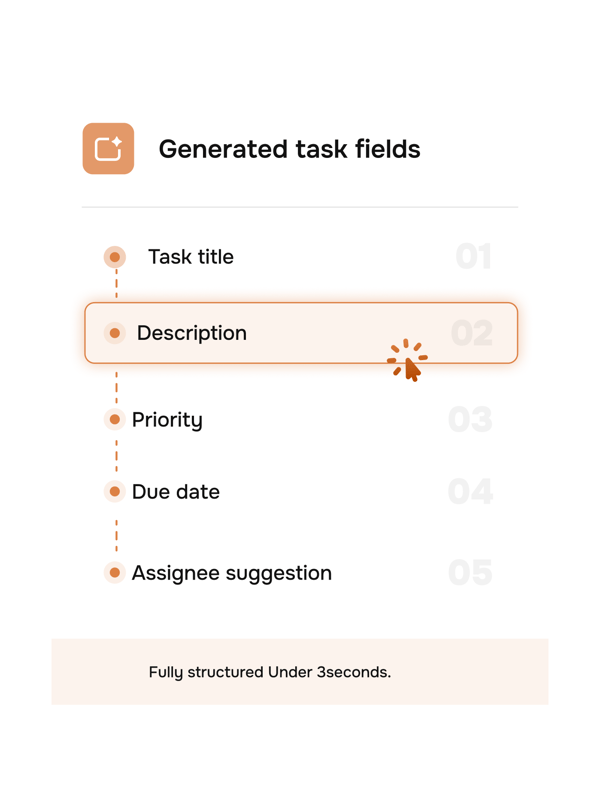
Generation
Five fields. Fully structured. Under 3 seconds.
TARO generates every field a well-written task needs: a clean title, a detailed description with scope and acceptance criteria, a calibrated priority, a realistic due date, and the best-fit assignee. All five, all accurate, all from one sentence.
Review
Review, edit if needed, save in one click
The generated task appears for review with every field editable, so you can correct anything TARO got slightly off in seconds. Press Enter and it's saved, assigned, and live on your board no form, no context switch.
- One click save
- Every field editable
- Instant board update
- 94% of generated tasks are accepted without edits. Most users press Enter immediately.
Six reasons teams never go back
Once you've created a task by typing a sentence and watched a structured card appear in 3 seconds, filling out a task form feels absurd.

Thought to task in under 3 seconds
Input, analysis, generation, and save take less time than opening a task form. The moment the idea is in your head, it's on the board.

Zero form fields to fill manually
No dropdowns, date pickers, priority toggles, or assignee searches. TARO fills every field; you only touch the ones you want to change rarely any.

Priority calibrated to the actual work
TARO doesn't default to safe Medium. It reads your input broken, blocking, ASAP, quick update and sets priority to match real urgency.

Assignee matched by skill and availability
TARO suggests the right person based on what the task needs, who owns that area, and who has capacity so you stop routing tasks through Slack.

Full description with acceptance criteria
Not just a one-liner. TARO generates a structured description with context, scope, and acceptance criteria so the assignee never has to ask what does done look like?

Works from anywhere you're already working
Paste from Slack, forward from email, or type on a call. Smart Task Creation works with whatever input you have messy, shorthand, or perfectly formed.
Thought to task in under 3 seconds
Input, analysis, generation, and save take less time than opening a task form. The moment the idea is in your head, it's on the board.
Zero form fields to fill manually
No dropdowns, date pickers, priority toggles, or assignee searches. TARO fills every field; you only touch the ones you want to change rarely any.
Priority calibrated to the actual work
TARO doesn't default to safe Medium. It reads your input broken, blocking, ASAP, quick update and sets priority to match real urgency.
Assignee matched by skill and availability
TARO suggests the right person based on what the task needs, who owns that area, and who has capacity so you stop routing tasks through Slack.
Full description with acceptance criteria
Not just a one-liner. TARO generates a structured description with context, scope, and acceptance criteria so the assignee never has to ask what does done look like?
Works from anywhere you're already working
Paste from Slack, forward from email, or type on a call. Smart Task Creation works with whatever input you have messy, shorthand, or perfectly formed.




800+
product teams
Built for every team that ships work
Engineering leads, PMs, designers, and ops teams use Smart Task Creation differently, but all eliminate the same bottleneck. Task creation goes from a chore that interrupts work to something that happens in the flow of thinking.
From input to saved task
Form fields to fill manually
Tasks accepted without edits
Faster than manual creation
Fix the checkout bug becomes a detailed, assigned, prioritised dev task instantly.
Engineers log bugs the moment they notice them, in their own words. TARO turns the auth token expires too fast on mobile into a structured ticket with the right owner, component tag, and priority before they move on.
Smart creation is just the start
Once the task exists, TARO's AI keeps working enhancing, tracking, reminding, and improving everything attached to it.

AI Task Enhancement
Open any task, hit Ask AI, and generate a full description, scope definition, and acceptance criteria from a bare-bones title.

AI Scoring & Feedback
TARO scores task quality across multiple dimensions and gives actionable suggestions to improve clarity, scope, and completeness before work begins.

Recurring Tasks
Set any task to repeat daily, weekly, monthly, or on a custom schedule. TARO auto-creates and assigns each instance no manual scheduling.

Overdue Alerts
TARO monitors every deadline and notifies assignees and leads before tasks go overdue, via in-app notifications and daily email digests.
Everything you need to know about Smart Task Creation
Common questions from engineering leads, PMs, and ops managers evaluating TARO's AI task creation.
Taro plans, tracks, and flags risks before they hit.
Keep every project on track with AI that spots slippage early and tells your team what to do next.
- 87%
- on-time delivery
- 2.4x
- team throughput
- 0
- deadlines missed
- 35%
- fewer status meetings